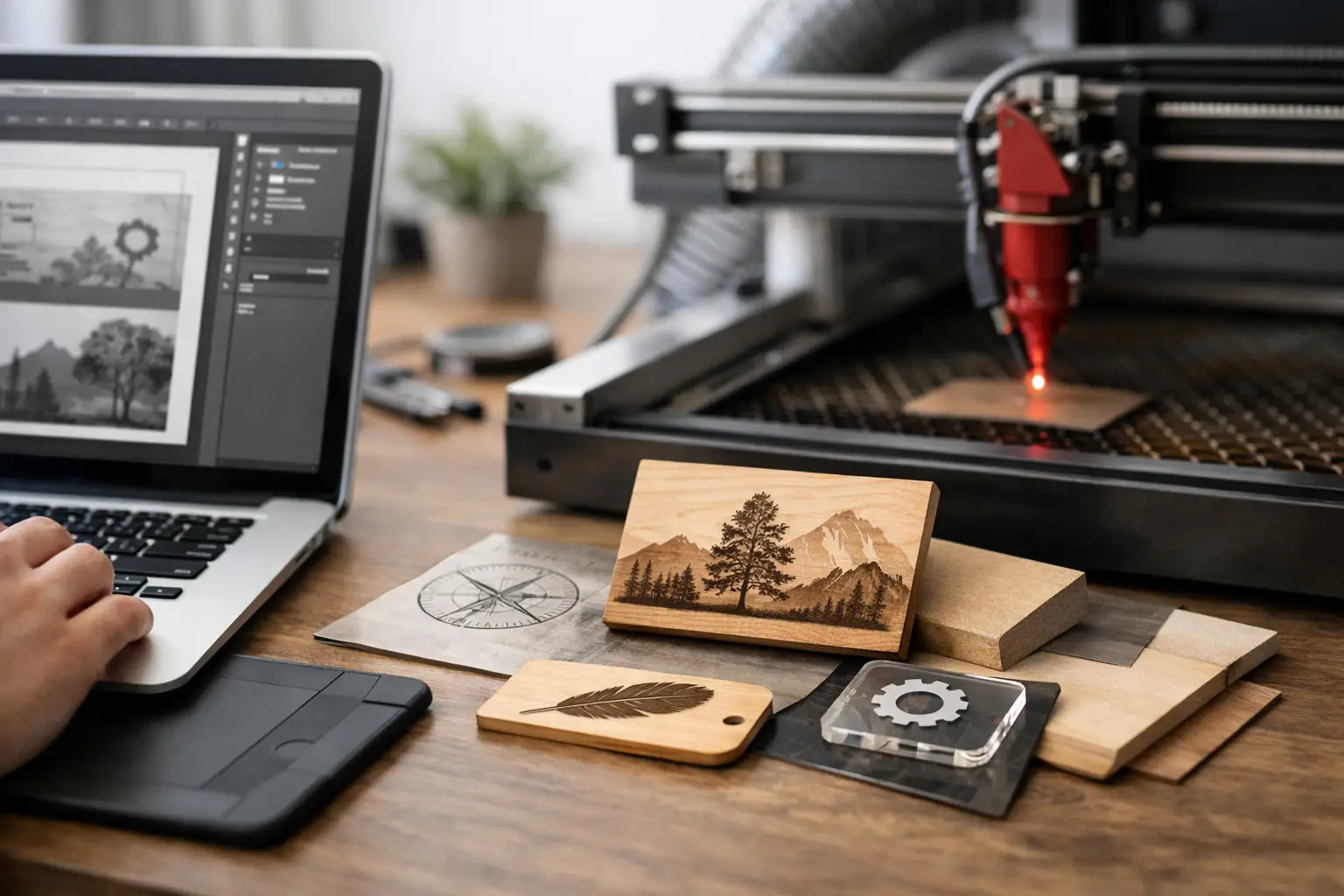
A typo in a name, a pixelated logo, or a substituted font can turn a carefully made plaque into a product that needs to be redone. Knowing how to prepare engraving files helps secure the result before production, whether for team trophies, medals, recognition plaques, door signs, or a personalized gift. A good file also gives the engraver the information needed to choose the right technique and confirm feasibility.
Preparation isn't just about sending a visual. It needs to account for the substrate, the actual available surface area, the fineness of the design, and the method being used, such as laser engraving or CNC engraving. The clearer these elements are from the start, the more efficiently the proof and production can move forward.
Start with the product and its marking area
A file isn't prepared the same way for a crystal cup, a metal plaque, an acrylic trophy, or a Lamicoid plaque. The material, its dimensions, and its shape all affect character size, the level of detail that's achievable, and the final look of the engraving.
Before creating your artwork, identify the product you've chosen and its personalization area. The outer dimensions of a plaque aren't necessarily the dimensions available for text or a logo. A decorative frame, a fastener, a border, or a curved surface can reduce the usable space. For a series of trophies or medals, also confirm that the engraving area is the same across each model.
Work at actual scale, in millimetres. A logo that's 30 mm wide won't support the same level of detail as a logo applied to a large sign. If you're preparing a file for a bottle, a glass, a watch, or a piece of jewellery, the curvature and limited dimensions typically call for a simpler composition. When in doubt, go with a legible design rather than one that's too busy.
How to prepare your engraving files in vector format
For logos, pictograms, outlines, and line illustrations, vector format is generally the best starting point. A vector file describes mathematical shapes rather than a grid of pixels. It can therefore be resized without becoming blurry and allows for precise lines to be maintained when preparing the engraving.
AI, EPS, SVG, and vector PDF files are commonly used for this type of work. A PDF, however, isn't automatically a vector file: a JPEG logo placed inside a PDF will remain a pixelated image. If you have the source file created in a graphics application, include it as well. It makes any adjustments needed for production much easier.
A PNG or JPEG image can work as a reference, especially if it's sharp and large enough. It may, however, need to be vectorized before engraving. This process involves recreating the outlines of the logo or artwork as vectors. It produces good results with simple, high-contrast symbols, but can sometimes require manual retouching when the artwork contains shadows, gradients, textures, or very fine details.
Avoid copying a logo from a website or an email signature. These images are often too compressed to reproduce cleanly. An official version provided by your marketing department, association, or franchise is preferable.
Simplify Lines and Fine Details
A lasting engraving depends on lines that are visible enough to hold up. Extremely thin lines, very tight spacing, and tiny elements risk disappearing, merging together, or losing their sharpness depending on the material and technique used.
Remove details that won't be noticeable at the final size: decorative textures, hairlines, shadows, 3D effects, glows, and gradients. A logo designed for colour printing isn't always suitable as-is for monochrome engraving. It's sometimes necessary to create a simplified version, with solid black fills and well-defined white spaces.
Don't automatically convert all colours to engraving colours. Black, white, and any colour markers may be used to distinguish operations in the artwork. Clearly communicate your intentions and let the shop confirm the expected result on the chosen material.
Prepare Your Text with Special Care
On an award plaque or a trophy, the text is often the most important element. Flawless spelling matters just as much as graphic quality. Double-check names, accents, job titles, dates, sport categories, and results before submitting your order. For bulk orders, use a structured list reviewed by a responsible person.
Provide the text in the email or in a separate document, even if it already appears in the artwork. This reduces the risk of errors during data entry and makes it easy to quickly cross-reference the information with the mock-up. For medals or custom trophies with multiple names, a clear table with one row per recipient is particularly helpful.
Choose a font that is legible at the intended size. Decorative typefaces can look elegant for a first name on a glass or a gift box, but they become difficult to read at very small sizes. Script fonts, very thin letterforms, and tight character spacing all deserve careful review.
If your file uses a specific font, convert the text to outlines whenever possible. The letters then become vector shapes and won't risk being substituted by another font when the file is opened. Also keep an editable version of your document: it will come in handy if a date, a name, or a layout needs to change after approval.
Adapt Photos and Complex Visuals
A photograph doesn't engrave the same way a logo does. To produce a portrait or an image on certain materials, the file must be high-contrast, sharp, and sized to the final dimensions. Dark areas, hair, patterned clothing, and busy backgrounds can make the image harder to read.
Choose a well-lit image with a subject that stands out clearly from the background. A photo taken from a distance or sent through a messaging app is often too compressed. If a background doesn't add anything to the project, removing it can sometimes produce a cleaner result.
The result will depend on the material. Glass, wood, leather, anodized metal and certain acrylics do not all respond the same way to laser engraving. An image that looks great on screen may require specific graphic treatment to be convincing on the actual object. This is a point worth confirming before placing a large order.
Organize a clear file for production
A well-organized file leaves no room for interpretation. Place the final visual on a single artboard, at the correct size, and remove any hidden elements, logo drafts and unnecessary layers. Do not add imaginary margins if they are not part of the design — instead, communicate the desired dimensions and the positioning to be respected.
For an order that includes multiple variants, name the files explicitly. For example, distinguish between front and back, different categories, languages and logo versions. A simple naming convention helps prevent a "volunteer" plaque from receiving the text intended for a "sponsor" plaque.
Before sending, carry out four checks: proofread all text, confirm the dimensions, verify that the images are sharp, and make sure you have authorization to use the logo or graphic elements provided. For an institutional project, a single internal approval is preferable to multiple contradictory rounds of revisions.
Plan for a proof before engraving
The proof is the final checkpoint between your idea and the finished product. It allows you to confirm alignment, information hierarchy, character size, accents and logo placement. Take the time to review it with fresh eyes, especially when it comes to recognition awards, commemorative plaques or signage that will remain in place for a long time.
Share any constraints from the very start of your request: delivery date, quantity, substrate, product reference number, customization on the front or back, and desired shipping. At Mr. Trophy, these details help direct the file toward the most suitable engraving, signage or graphic design solution.
A technically perfect file is no substitute for validating the result on the actual material. For a rush order or a large run, submit your artwork as early as possible and allow time for a proof. You will then be able to fine-tune a detail, confirm every name, and have trophies, plaques or signs produced that carry exactly the message your organization wants to leave behind.
You may also like
Preparing Your Logo for Laser Engraving and Printing: File Formats and Best Practices
A good file is half of a great trophy. Here are the formats, resolutions and tips to know so your logo looks sharp on your plaques, trophies and medals.
Watch Engraving: Options and Advice
Having a watch engraved requires choosing the right placement, material, and message. Tips for a durable, precise, and uniquely personal result.
Case Study: Engraving 500 Glasses and Bottles for a Gala
500 engraved glasses and bottles for a gala: the material, rotation, and pacing decisions that made the volume manageable.